
EN
Retail Size Planning and Measurement Control
Belt Size Chart and Complete Measurement Guide
This belt size guide helps retailers separate body measurements, garment labels, existing-belt measurements, finished belt size and total strap length. Use it to build a chart for the actual buckle, adjustment method, wearing position and approved size-set sample.
- Measurement datum defined
- Construction-specific adjustment range
- Size and label master linked to samples
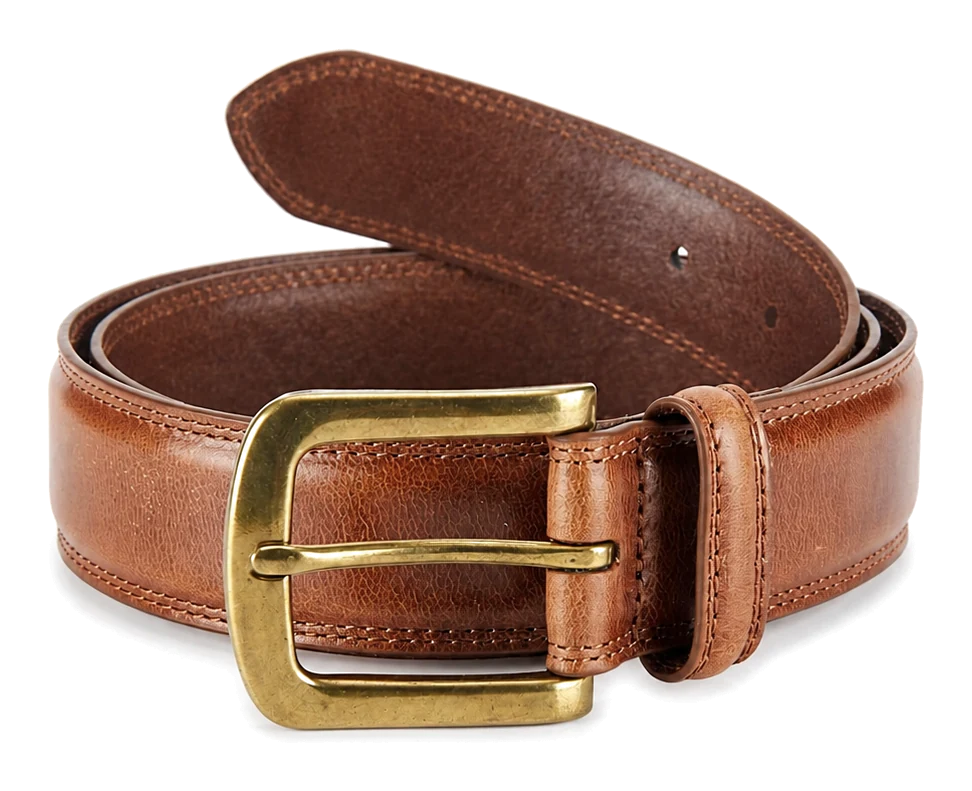
How Retailers Should Map a Wearer Measurement to a Belt SKU
Map a documented wearer measurement to the SKU whose approved adjustment range includes that measurement at the intended wearing point.
Input 01
Measurement Source
Record whether the input came from an existing belt, a body or wearing-position measurement, a garment label or buyer fit data.
Input 02
Buckle Datum
Name the exact starting point, such as the prong, buckle edge, strap start or another drawing-defined location.
Input 03
Target Adjustment
Identify the intended hole, track position, woven penetration point, overlap or closure setting for normal wear.
Input 04
Wearing Position
State whether the belt sits through trouser loops, at the waist, on the hip, over a dress, over outerwear or at another defined position.
Input 05
Product Construction
Identify fixed-hole, ratchet, woven, stretch, reversible, wide, corset or another closure system before applying a sizing method.
Input 06
Tail and Keeper
Check the visible tail after fastening, keeper capture and any loose-tail control at the tighter, target and looser positions.
Keep Belt Size, Waist Measurement and Pants Size as Different Inputs
Keep body, garment and finished-belt measurements separate by naming each datum and explaining how it is used.
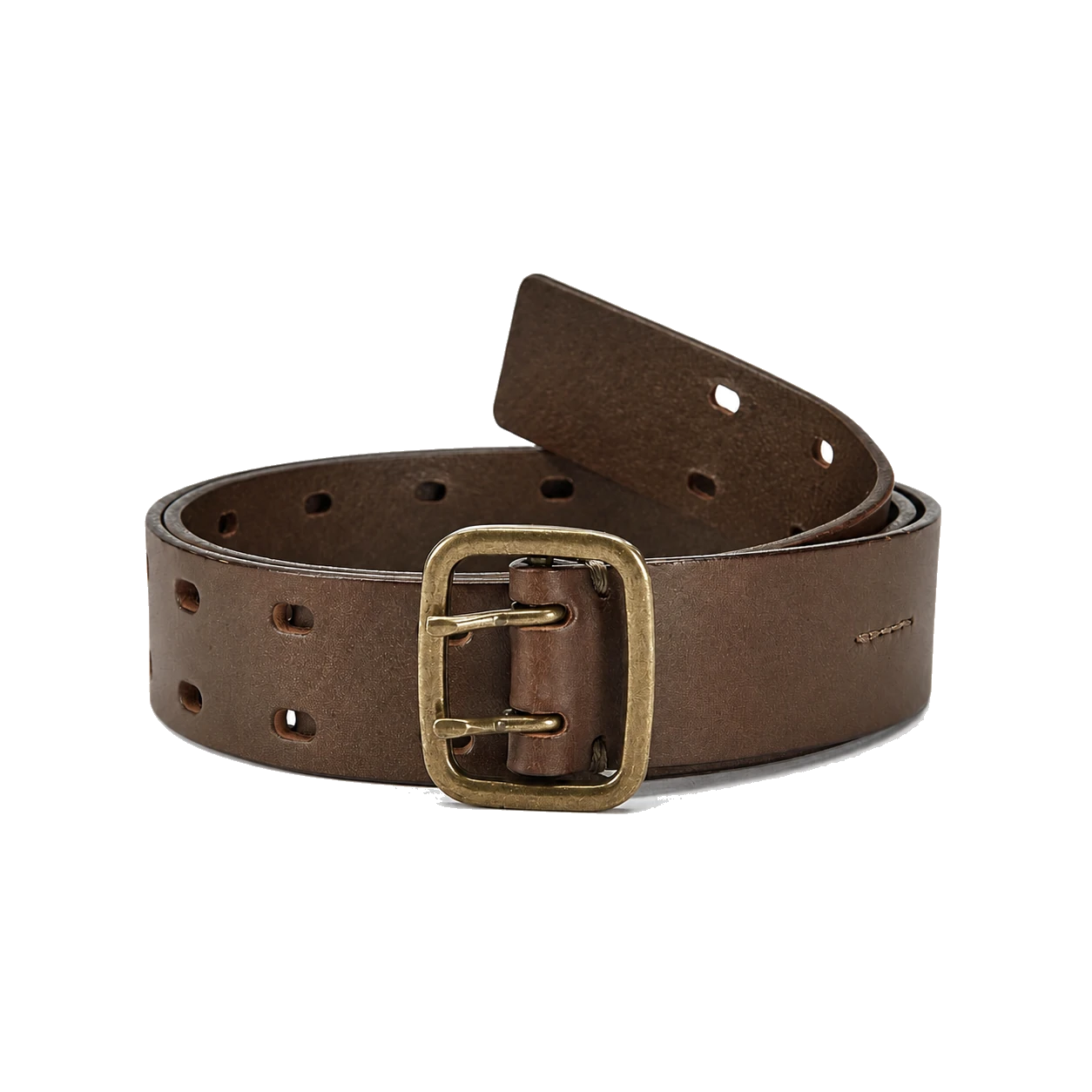
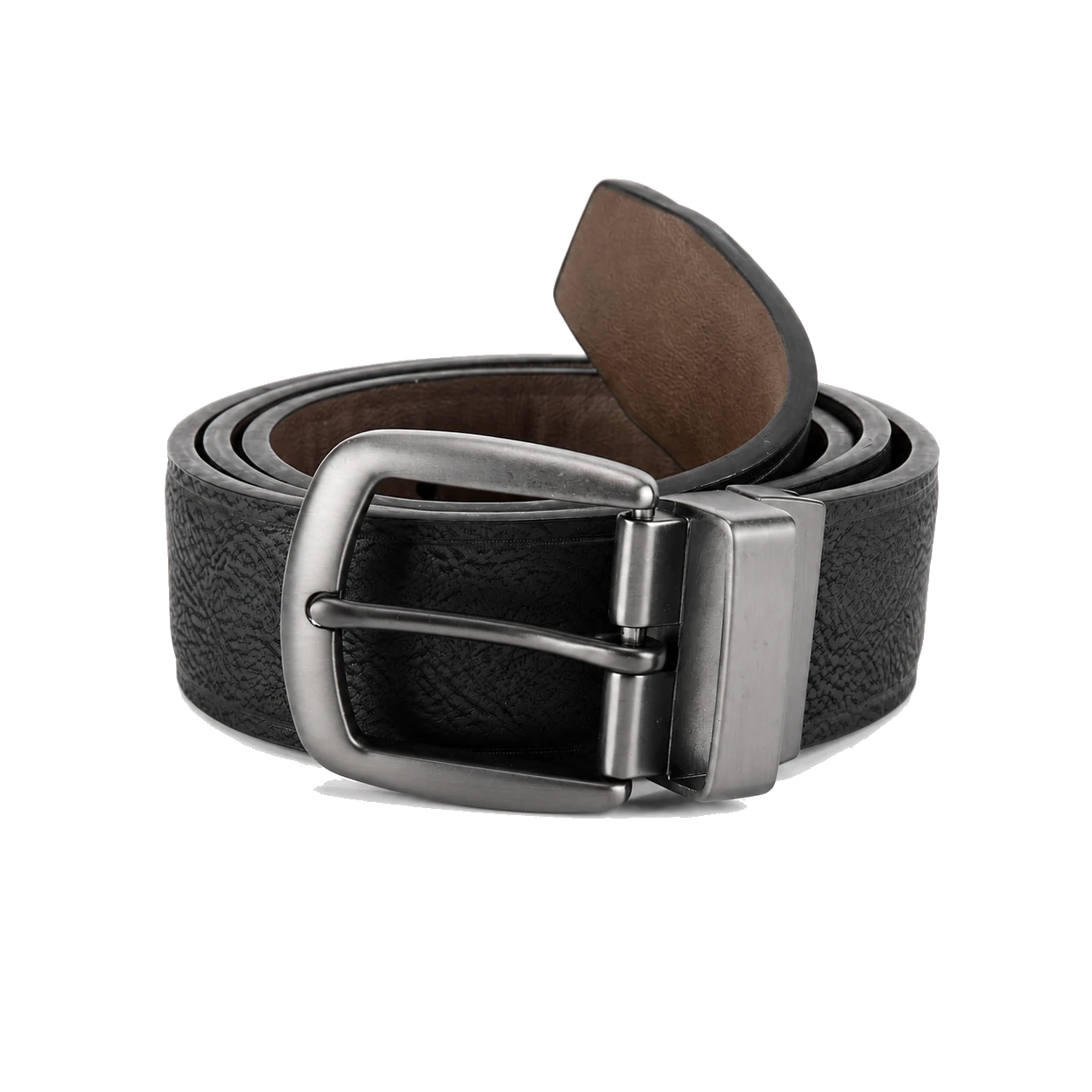
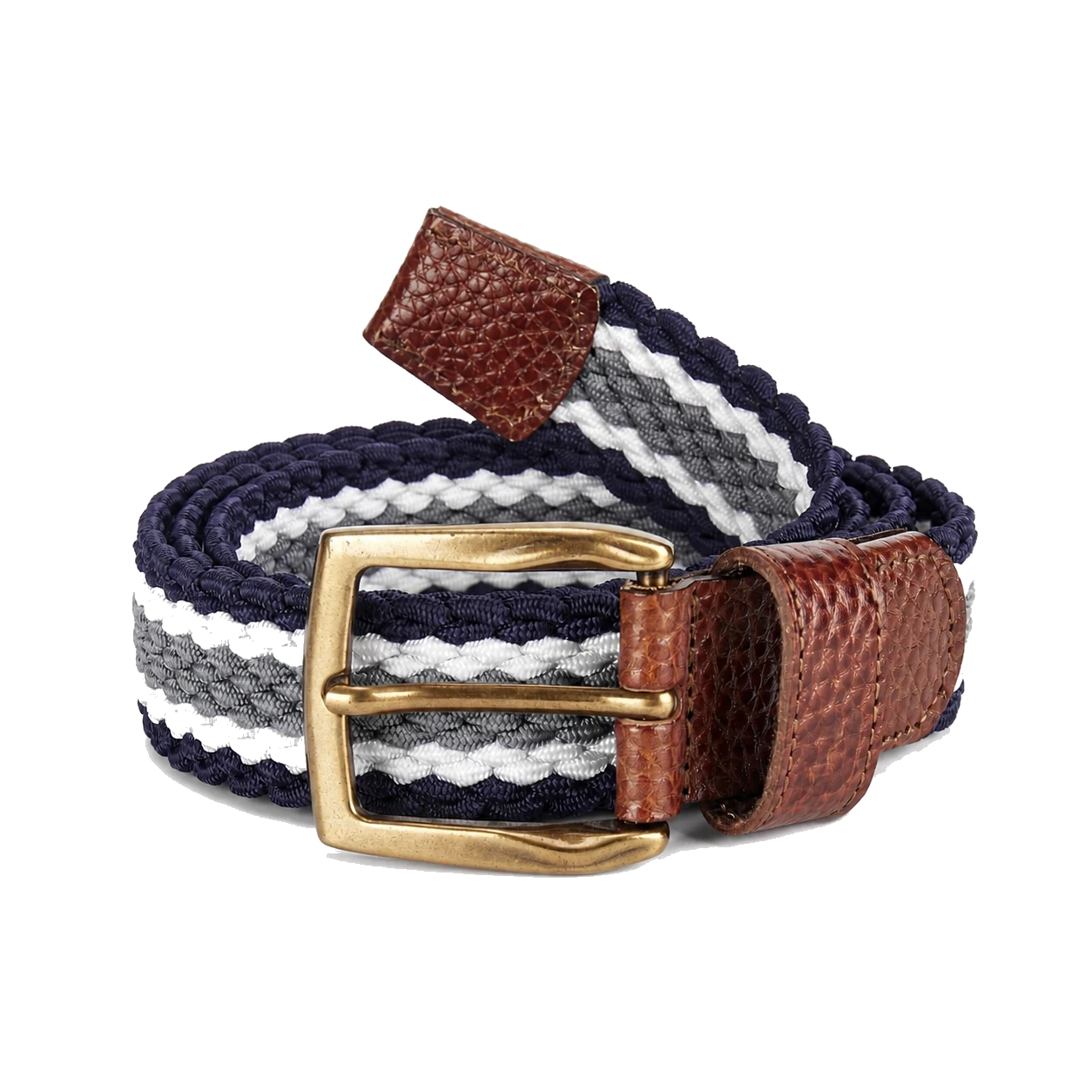
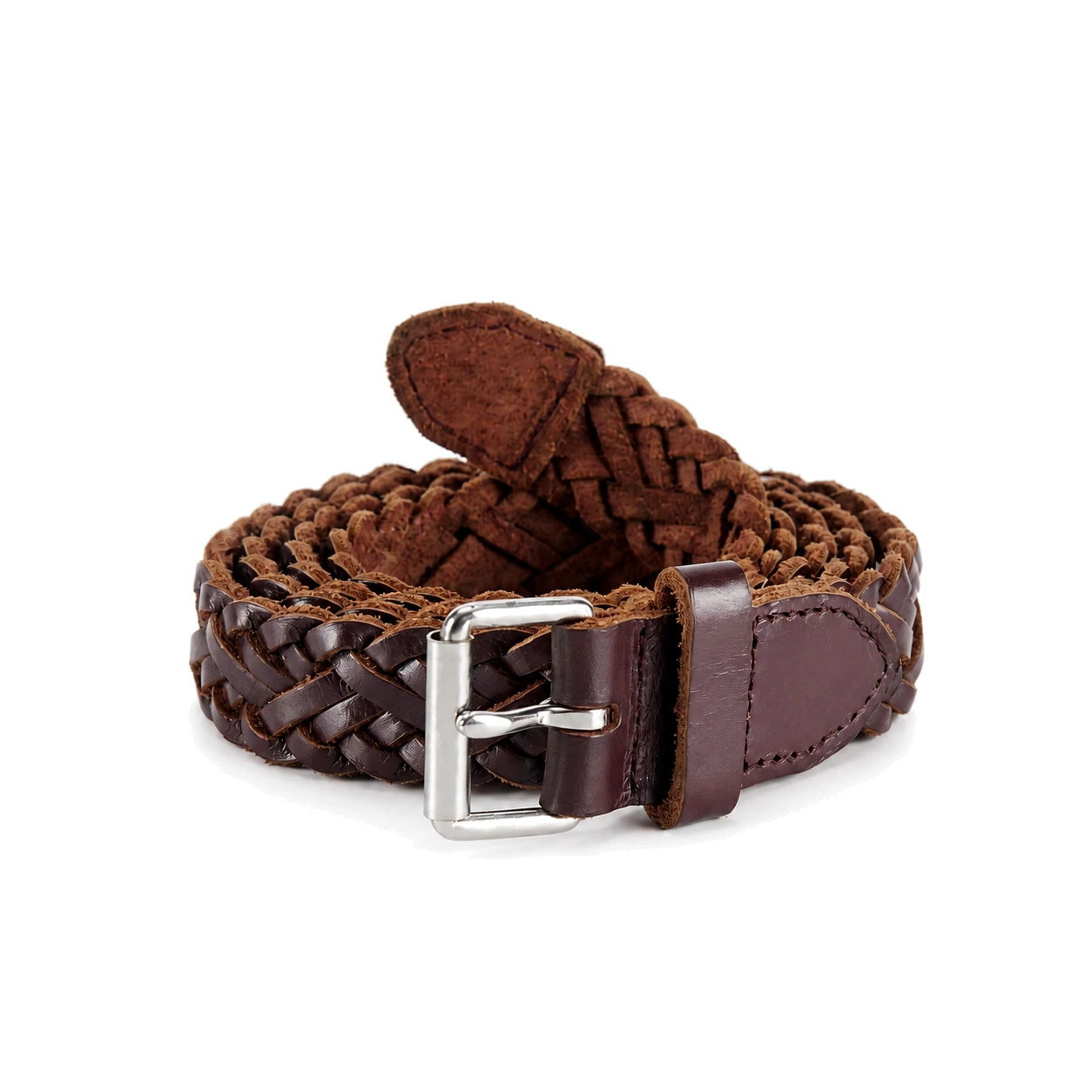
Use a Reference Belt Size Chart for Units and Label Logic
Use the reference chart for unit conversion, then set brand labels, rounding and size ranges from the approved product.
Keep the measured inch value, datum and source method. Multiply by 2.54 only to express the same distance in centimeters.
Unit conversionKeep the measured centimeter value, datum and source method. Divide by 2.54 only to express the same distance in inches.
Unit conversionDefine whether the number refers to a target hole, track position, closure setting, range or another controlled measurement.
Brand gradingUse one physical datum for both units and document how the converted value is displayed or rounded on each channel.
Label presentationMap each letter to an approved usable measurement range and product identifier. A letter is not a mathematical unit conversion.
Merchandising rangeKeep total strap or assembly length in a separate production column so it cannot be confused with the functional belt-size value.
Manufacturing controlBuild Men's, Women's and Kids' Size Guides around Actual Wearing Positions
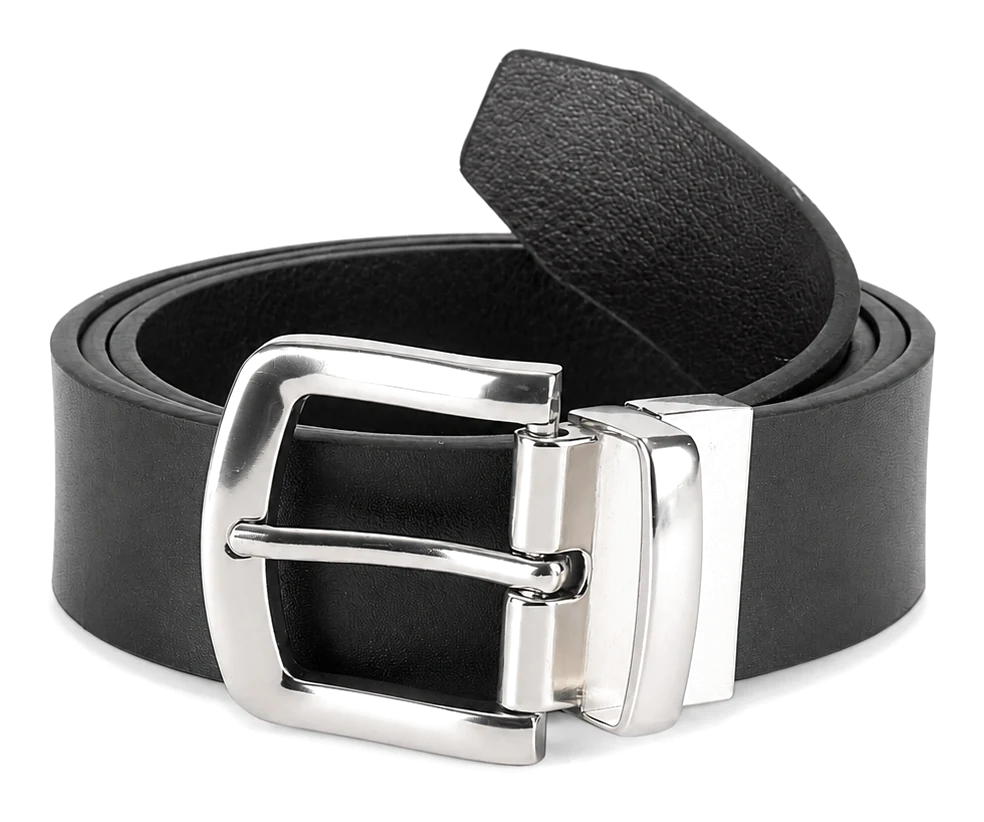
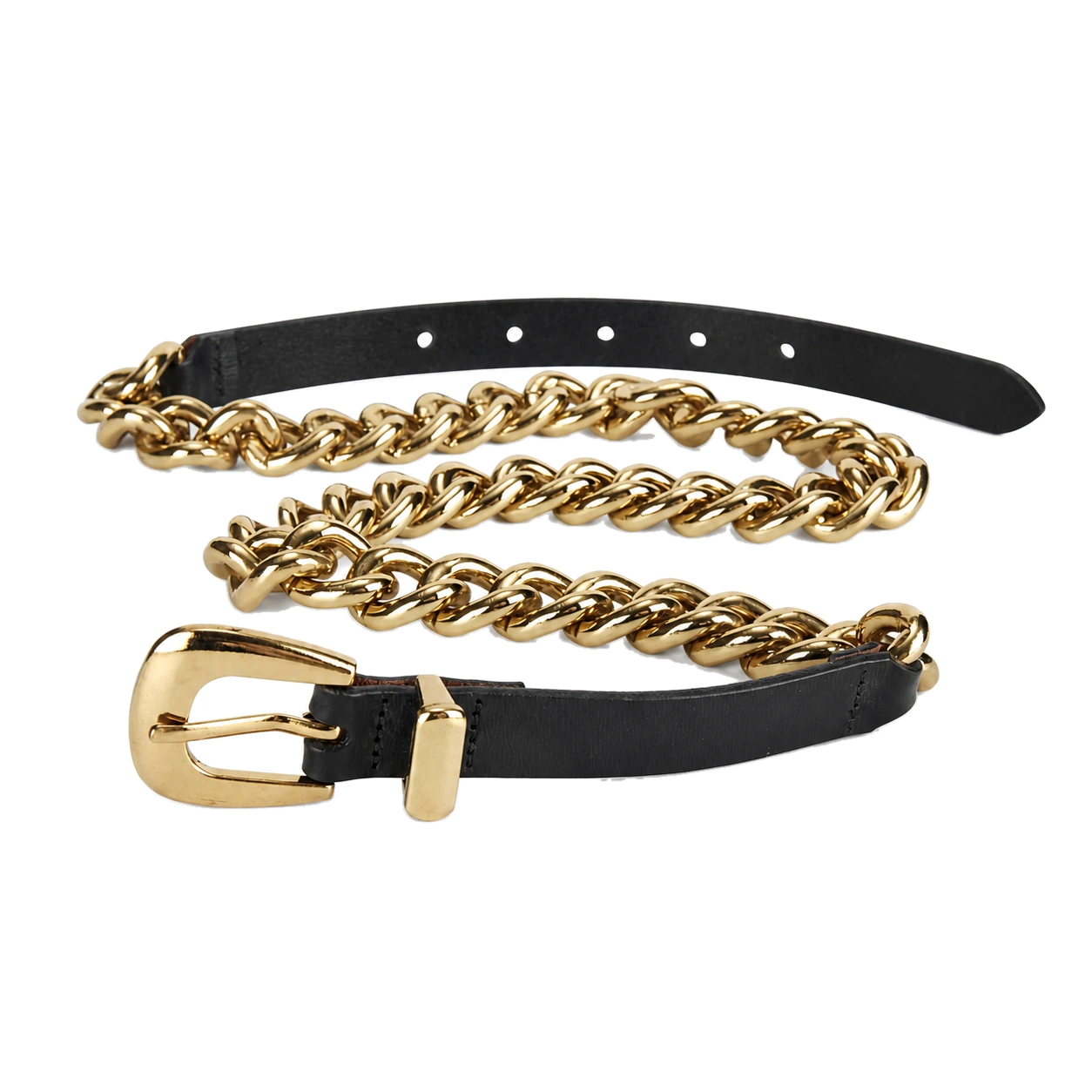
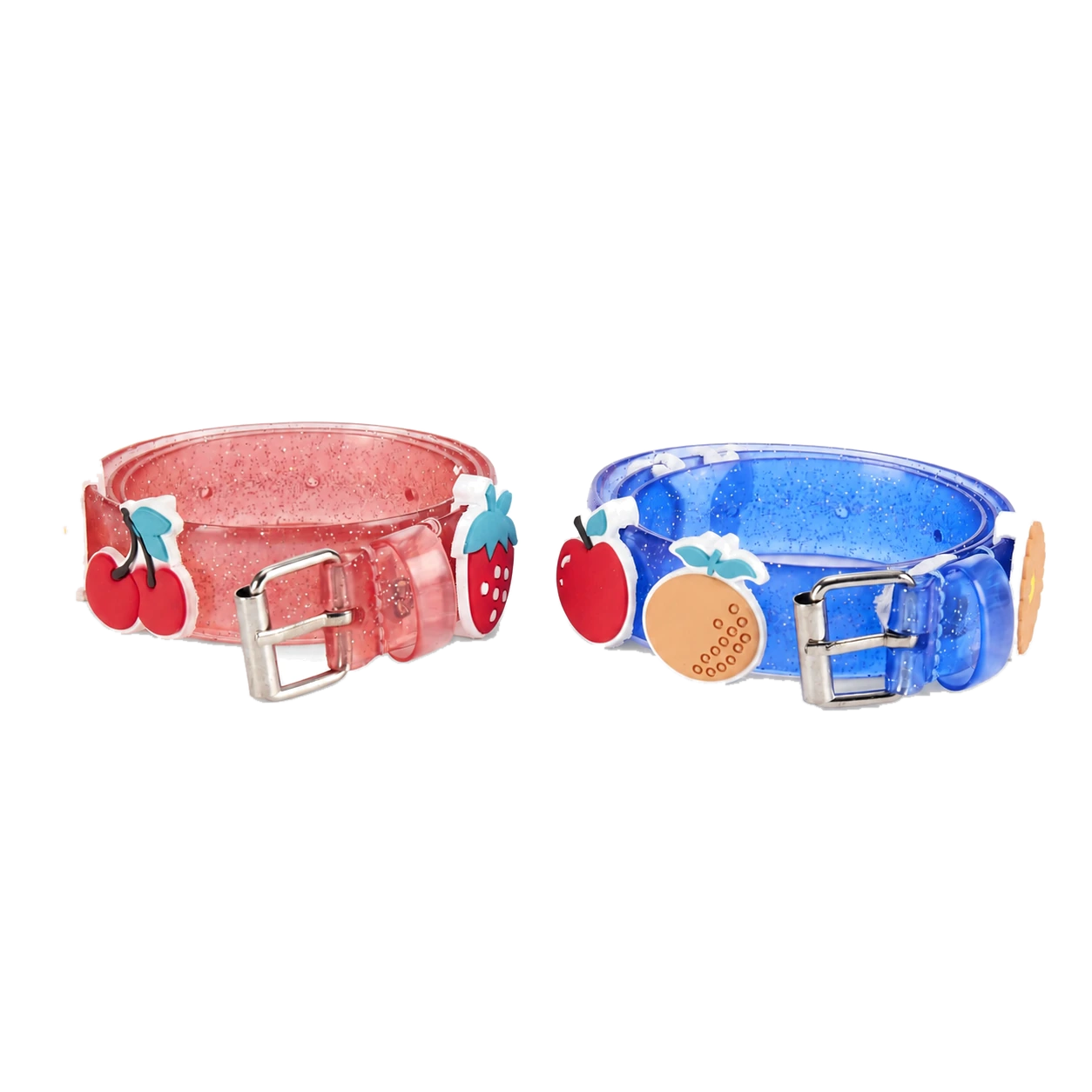
Build men's, women's and kids' guides around the actual wearing position, garment, adjustment range and approved sample.
Develop Extended and Plus-Size Belts as a Complete Size Run
Develop extended sizes as a complete range with appropriate construction, adjustment, tail, labeling and size-set checks.
Coverage Evidence
Use buyer customer, fit, garment and channel data to propose the range and size ratios. Record gaps instead of filling them with generic letter-size endpoints.
Grading Logic
Map each label to its datum, target adjustment, usable range and total construction length under one controlled size master.
Tail Control
Review visible tail, keeper capture and loose-tail behavior at the tighter, target and looser settings for every approved size family.
Adjustment Geometry
Approve hole positions, track coverage, woven penetration, stretch working range or overlap for the specific construction and size.
Keep Custom Size Runs, Hole Plans and Labels Aligned
Keep the customer measurement, product geometry, fit approval, production dimensions and retail label connected throughout the size run.
1. Define the Customer and Wearing Context
Record target wearer, garment, belt position, product category, channel and available fit or return-reason evidence.
2. Freeze the Measurement Datum
Draw the start point, target adjustment and total-length endpoints for the actual buckle and closure construction.
3. Define Buckle and Strap Allowances
Document attachment, fold or clamp geometry, strap start, target tail, tip and any size-dependent construction change.
4. Build the Adjustment Plan
Specify target hole or setting, tighter and looser positions, hole spacing or track range, woven or stretch behavior and closure overlap as applicable.
5. Create the Size and Label Master
Map each SKU to exact measurement, unit display, commercial label, color or style split, barcode, pack and channel chart revision.
6. Plan the Size-Set Samples
Choose the sample sizes and constructions needed to expose boundaries, grading transitions and any material, buckle or packaging change.
Use a Belt Size-Run Checklist from Sample to Bulk
Use the matrix to keep the chart, approved sample, bulk product and label aligned from sampling through release.
| Release Gate | Question | Required Evidence |
|---|---|---|
| Specification release | Does every size use an explicit datum, adjustment plan and construction allowance? | Measurement drawing and controlled size-run matrix |
| Sample release | Do the selected samples verify grading boundaries, fit, tail and labels? | Measured size-set and fit-approval record |
| Bulk setup | Are cutting, holes or tracks, labels and packing linked to the approved SKU? | First-piece, line setup and label verification |
| Shipment release | Do inspected products and channel records still match the current revision? | Final inspection, packing and content-release checklist |
Resolve Belt Sizing Questions before Your Size Run
These answers clarify the measurements, fit decisions, grading and production details that should be kept separate in a belt size system.
Build a Belt Size System around Your Product
Share your measurements, product references and current chart logic. HongDing can identify the open datum, allowance, size-set, label and approval questions before a custom range is released.